
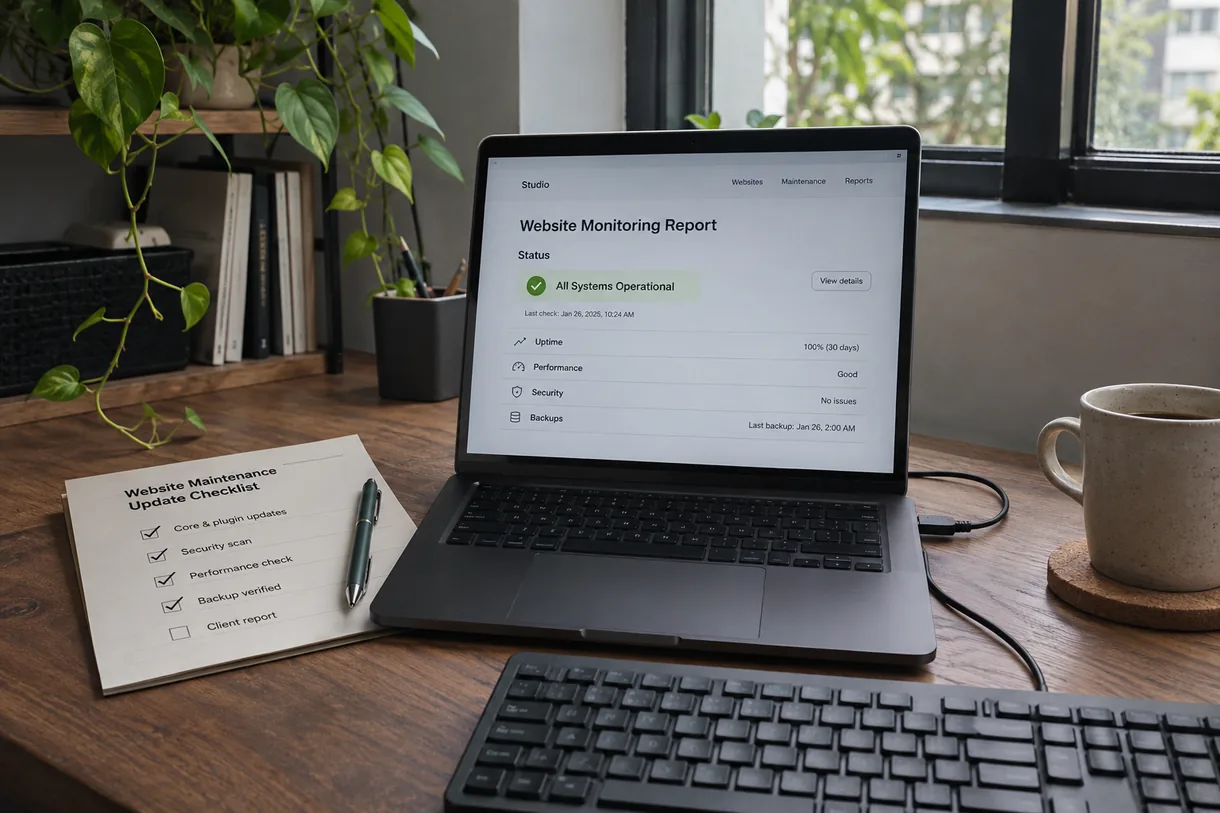
Website health report
- Check the backup, enquiry form and updates.
- Broken pages
- Plugin versions
Keep your website working through updates, backups and practical fixes for broken pages, forms or plugins.
Initial review

Maintenance handoff
We review the issue, access, hosting and backup status first. The plan can cover a one-off fix or recurring checks, depending on your site and how often it changes.
For a related project, see WordPress Development.
Broken pages · Plugin versions · Backup status
Staging review · Form delivery · Mobile pages
Changes made · Issues to watch · Next scheduled check
Review the reported issue, hosting, recent changes and the parts of the site customers use.
Confirm what is backed up and whether there is a practical restore point before changes.
Reproduce the issue and test the update or repair in the agreed environment.
Open important pages on desktop and mobile and send a test enquiry where forms are in scope.
Record the changes made, anything that still needs attention and the next checks to schedule.
If a form, checkout or login has stopped working, tell us when it last worked and whether anything changed, such as hosting, a plugin update or a theme edit. Share the exact page and the steps you took. That helps us reproduce what customers are seeing and distinguish the symptom from the cause.
For regular maintenance, tell us how often the site changes and which actions must always work. A lead-generation site needs attention on form delivery and landing pages, while a store also needs checkout, order notifications and inventory checks.
We agree which updates or repairs are in scope and check whether a usable backup or staging environment exists. For changes that affect key customer journeys, we test the relevant pages after the work and record what was changed.
Keep responsibility for hosting, licences and alerts clear. An ongoing plan can specify who receives a notice, what counts as a priority issue and how urgent fixes outside the plan are quoted.
See also WooCommerce Store Development.
PKR 30,000 / USD 40
Indicative starting rate for an initial maintenance task for clients in Pakistan and internationally. Your quote confirms the deliverables, third-party costs and timing.
Yes. Send the site URL and the issue as you see it. We confirm access, the likely scope and cost before starting.
Yes. We start by reviewing hosting, backups, permissions and which plugins or custom features the site relies on.
Where the setup permits, we test updates on staging and check important pages and forms before applying them to the live site.
We can review your backup process and include backups or restore checks in the agreed scope.
Routine maintenance covers agreed upkeep and fixes. Major page redesigns, new features and migrations are scoped separately.
Build a WordPress site your team can edit, with Elementor layouts, reusable page sections and a clear route from service page to enquiry.
Build a WordPress plugin for a specific workflow, integration or front-end feature your current plugin setup cannot cover.
We build and redesign responsive business websites for clients in Pakistan and internationally, with editable pages and a tested path from search to enquiry.