
Plugin settings
Feature toggles · Editor permissions · Validation rules
Build a WordPress plugin for a specific workflow, integration or front-end feature your current plugin setup cannot cover.
add_shortcode('service_notice', function () { $text = get_option('service_notice_text', ''); return '<p>' . esc_html($text) . '</p>';});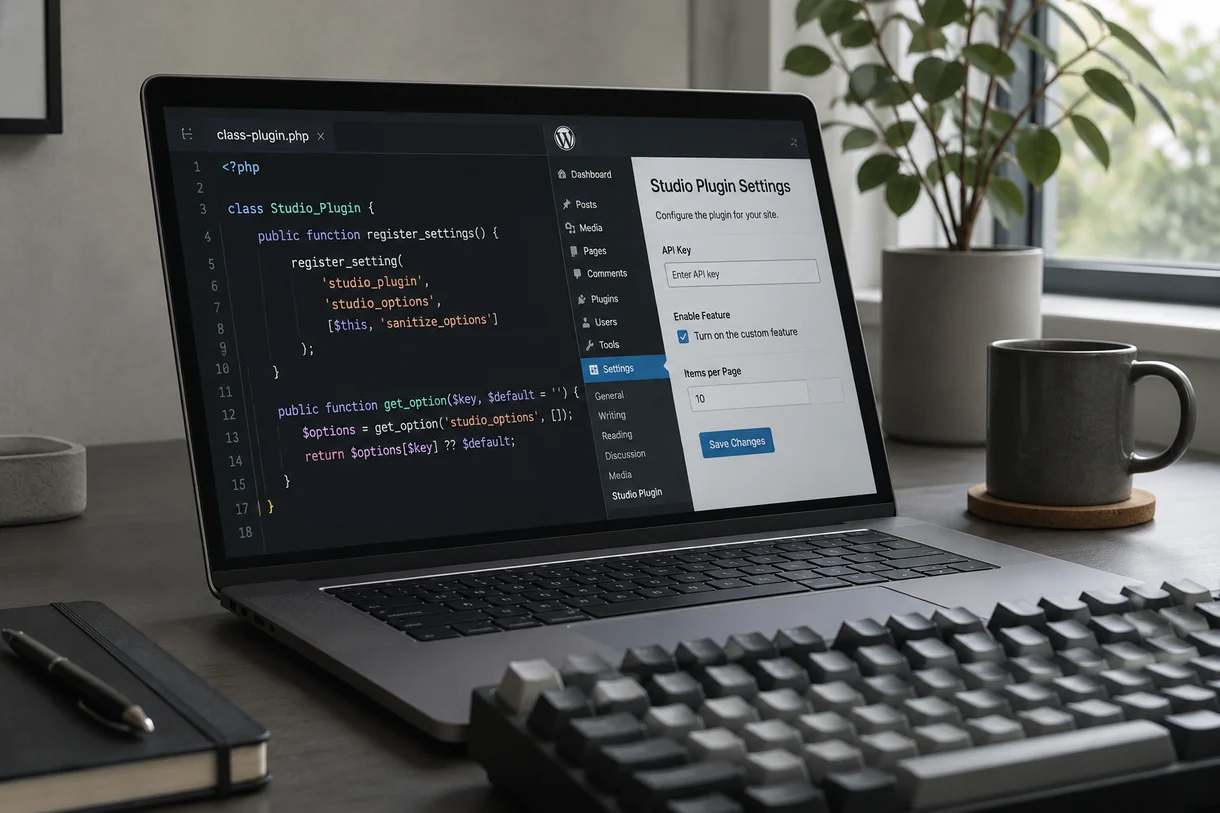
Plugin settings

Compatibility checks
We define what the plugin should do, where it appears in WordPress, who can configure it and how it should behave when an external service is unavailable.
For a related project, see WordPress Development.
Feature toggles · Editor permissions · Validation rules
New enquiry · CRM mapping · Result log
WordPress version · Theme and plugins · Upgrade behaviour
Agree where the feature appears, what triggers it and what it should do with an incomplete input.
Map settings, user roles and any data the plugin needs to store, import or send.
Build the agreed feature and test how it behaves with representative content before integration.
Review the feature alongside the site's theme, WordPress version and relevant plugins.
Record installation, configuration and expected upgrade behaviour for future maintainers.
Describe the task your site cannot handle today. For an enquiry integration, explain which form starts it, which fields need to reach the other system and what staff should see if the connection fails. For an editing feature, identify the people who need the option and what they should be allowed to change.
Share the WordPress version, theme and any plugins involved in the same flow. When an existing plugin offers supported extension points, we can compare extending it with building a small separate plugin. The comparison should include future updates and who will maintain the feature.
We agree which site configuration and user roles to test. Where the plugin stores settings or data, we define how the site should behave if it is disabled or replaced. When it connects to another service, we agree what errors need to be shown or logged during normal use.
The handover should cover installation, configuration, version information and any paid services it depends on. Tell us whether your team will own upgrades or needs a separate maintenance arrangement.
See also Custom Software Development.
PKR 30,000 / USD 110
Indicative starting rate for a scoped project for clients in Pakistan and internationally. Your quote confirms the deliverables, third-party costs and timing.
Sometimes. We review its supported hooks and APIs first so changes have a better chance of surviving updates.
Yes, if the CRM provides suitable access. We agree on what data the plugin sends and how errors are reported.
We test against the WordPress setup agreed for the project, preferably in a staging copy with representative data.
Yes. Share the store flow you need, such as order metadata or a customer-facing feature. Checkout and payments require separate compatibility checks.
We document installation and expected compatibility. Ongoing updates can be scoped separately through website maintenance.
Build a WordPress site your team can edit, with Elementor layouts, reusable page sections and a clear route from service page to enquiry.
Add a store to WordPress or improve an existing WooCommerce checkout, with products, shipping and order management your team can run.
Keep your website working through updates, backups and practical fixes for broken pages, forms or plugins.